


Purchasing
To find product(s) follow the steps described in the Listings Search page.
There are two ways to purchase a product:
Add to cart
Find the desired product, then Add to Cart:

The following screen will display:
- Reservation duration (item not available to other users for the set period of time)
- Continue Shopping
- Checkout
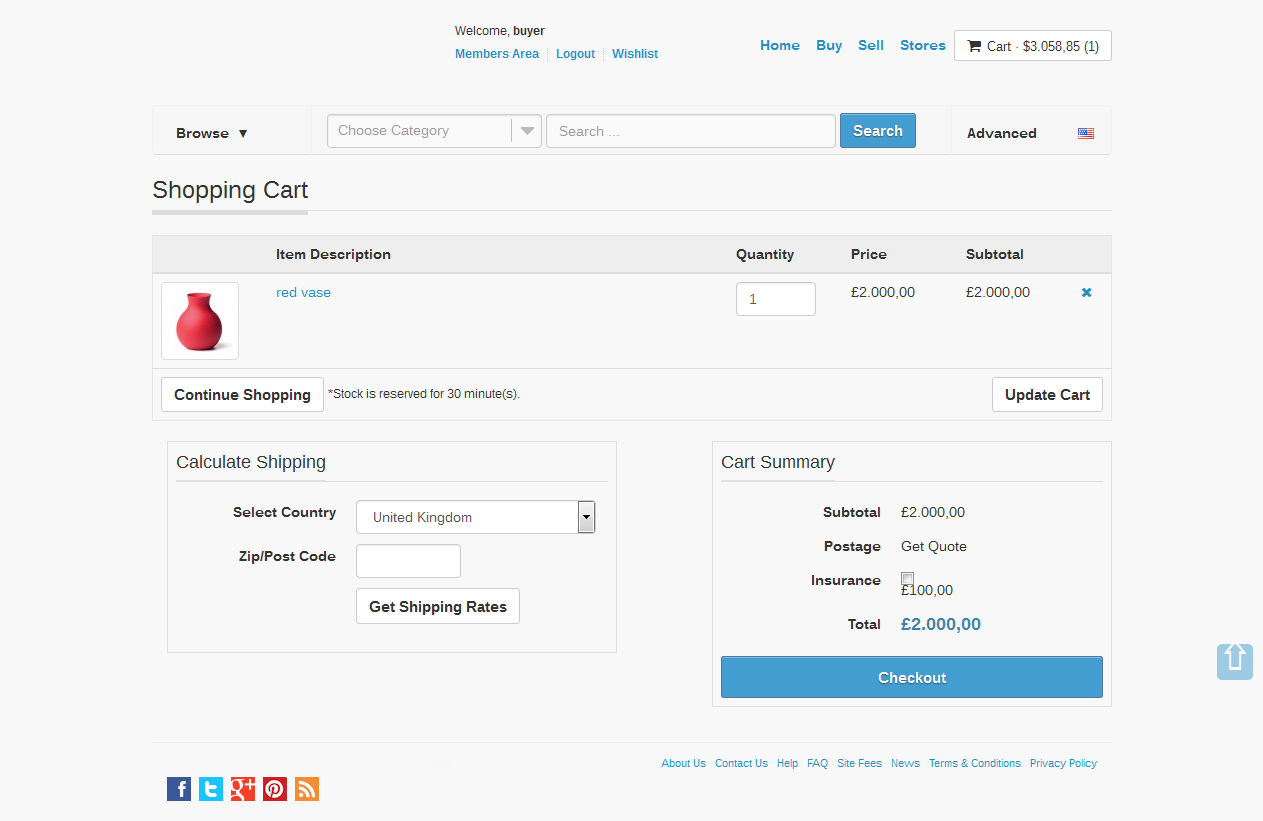
The Checkout screen will ask to confirm:
- Billing Address
- Shipping Address
and select - Postage Method

The final screen will display a message confirming the purchase of the item.
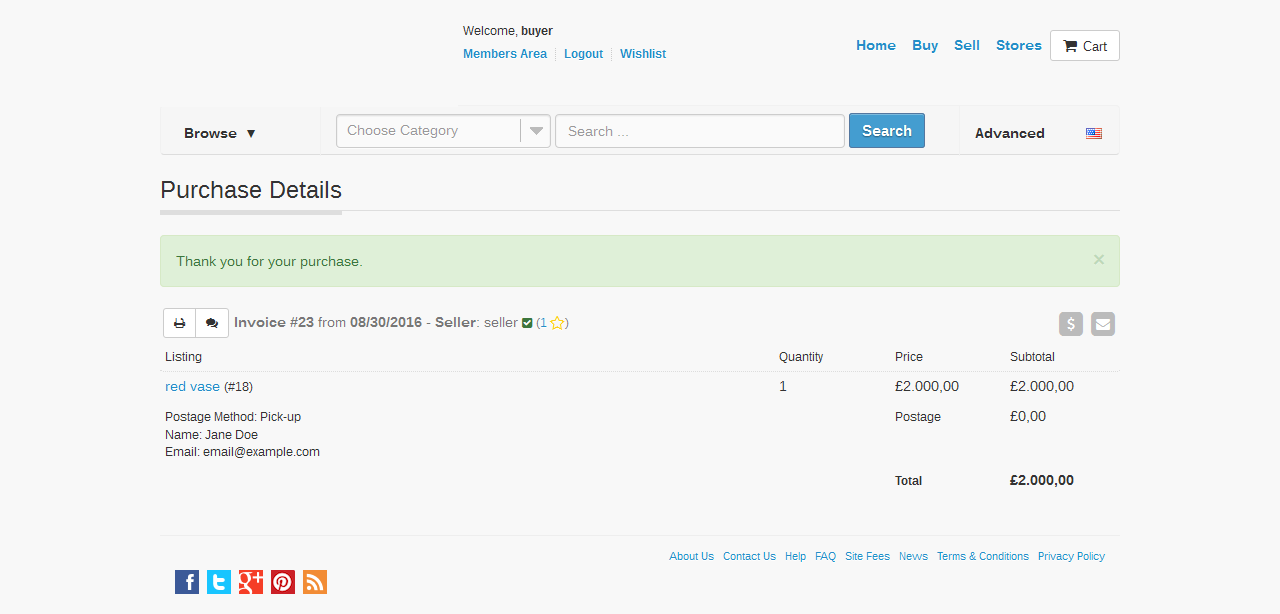
Buy Out
If the Shopping Cart module is not enabled (product specific) from the Admin Interface, then select quantity and Buy Out:

To Confirm Purchase, enter:
- Voucher Code (if applicable)
and - Select Postage Method (if applicable)

Review Invoice and Make Payment:
