


Make Offer
Sellers
Create an auction, enable Accept Offers and set (optional) a Minimum and Maximum Offer Range :

Buyers
The Make Offer button will be visible on the right side of the screen:
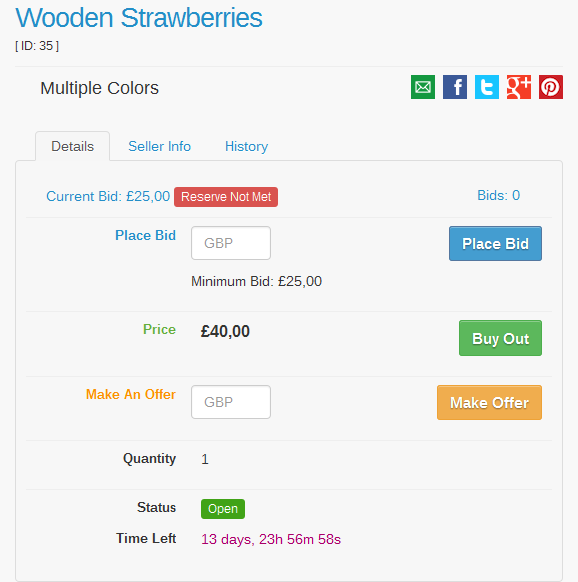
After submitting the offer, the buyer will see a confirmation message:

Possible Outcomes
Accept Offer
View offers on open auctions from the Offers (Home -> Members Area -> Selling -> Offers ) menu:

Click the green button to accept a pending offer:
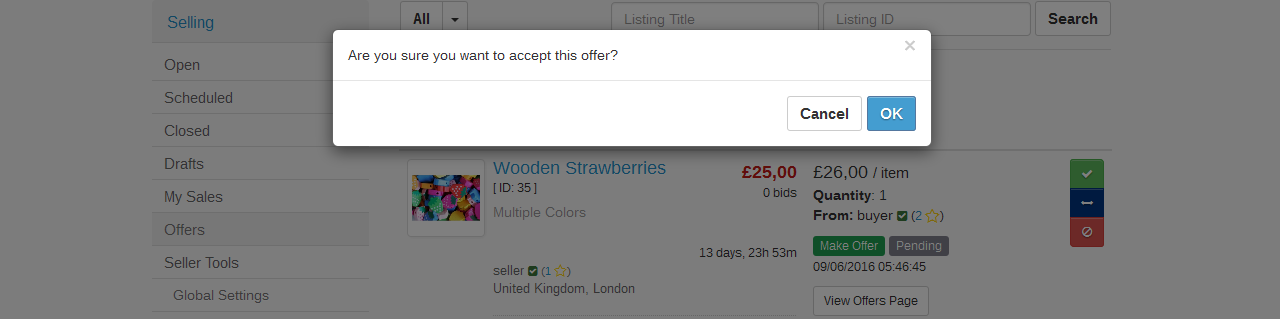
The following screen will display a confirmation message:

Counter Offer
Click the dark blue button on the right side of the screen:
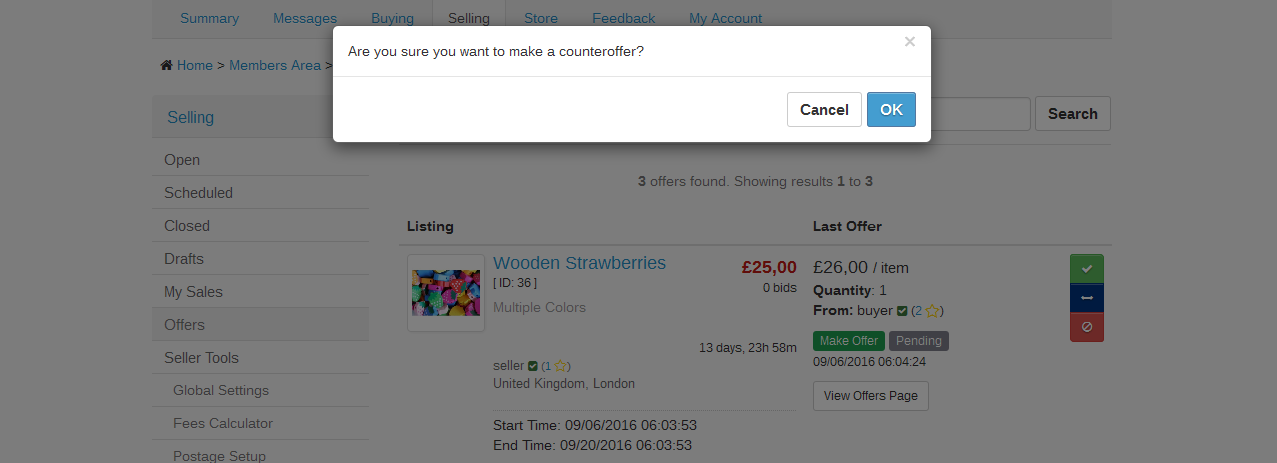
Make a Counter Offer:

Withdraw Offer
Offers can be withdrawn from the by the users that have posted them:
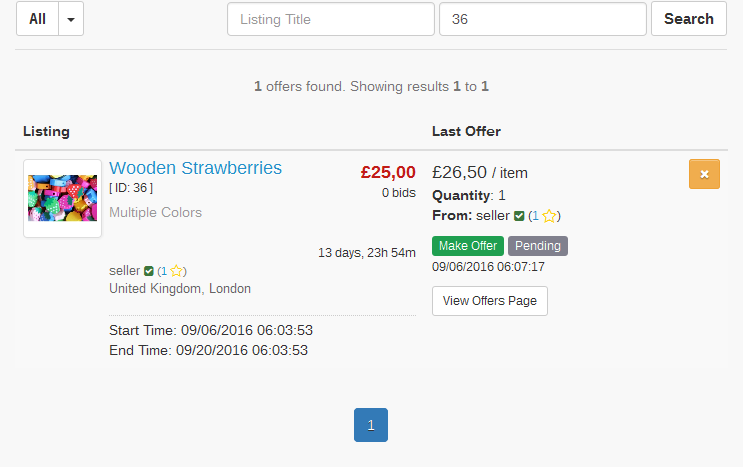
The user (buyer or seller) will have to confirm the cancellation of the offer:

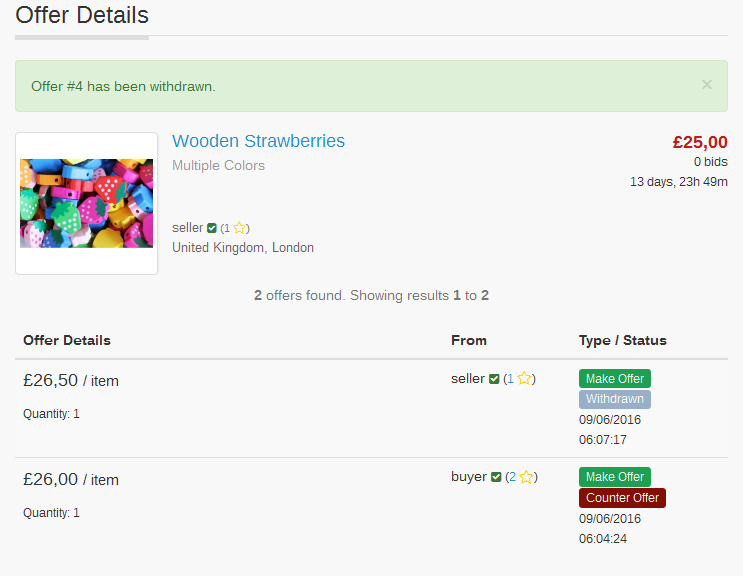
The last screen will display a confirmation message:
Decline Offer
The user receiving the offer has the option to decline it:

The last screen will display a confirmation message:
