


Digital Downloads
Listing Setup
On the Create Listing page in the Listing Details section, click on Select Files to add Digital Downloads.
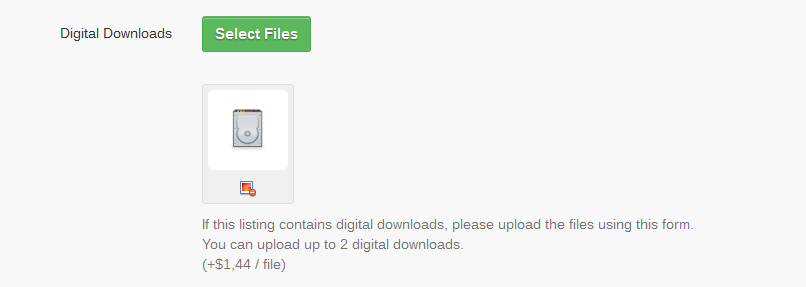
Note: Allowed extensions: doc, docx, xls, xlsx, txt, zip, tar, gz, exe, pdf.
Usage
Uploaded files will be visible only after buying an item. The buyer can see all item specific Digital Downloads in the Purchases (Home -> Members Area -> Buying -> Purchases) section:

After selling an item, the seller can, in the My Sales (Home -> Members Area -> Selling ->My Sales ) section:
- See the number of times a file has been downloaded
- Manually activate / inactivate file downloads

Important: A Direct Payment (PayPal, WorldPay, etc) method will automatically activate all Digital Downloads associated with a sale.